
Experience the Essence of Pleasance
LUTRON
What is pleasance?
Pleasance is a fundamental feeling that is hard to define but that people desire to experience.
Your home is more than walls and a roof, more than simply a functional space. Your home is a place where you experience comfort, romance, and peace of mind— a place where you experience pleasance.
We believe the right light is a critical building block for pleasance, and the first step for enriching every moment within your home.
Let us show you how our solutions—which are easy to add to a new or existing home— can help you add pleasance.
Creating just the right light
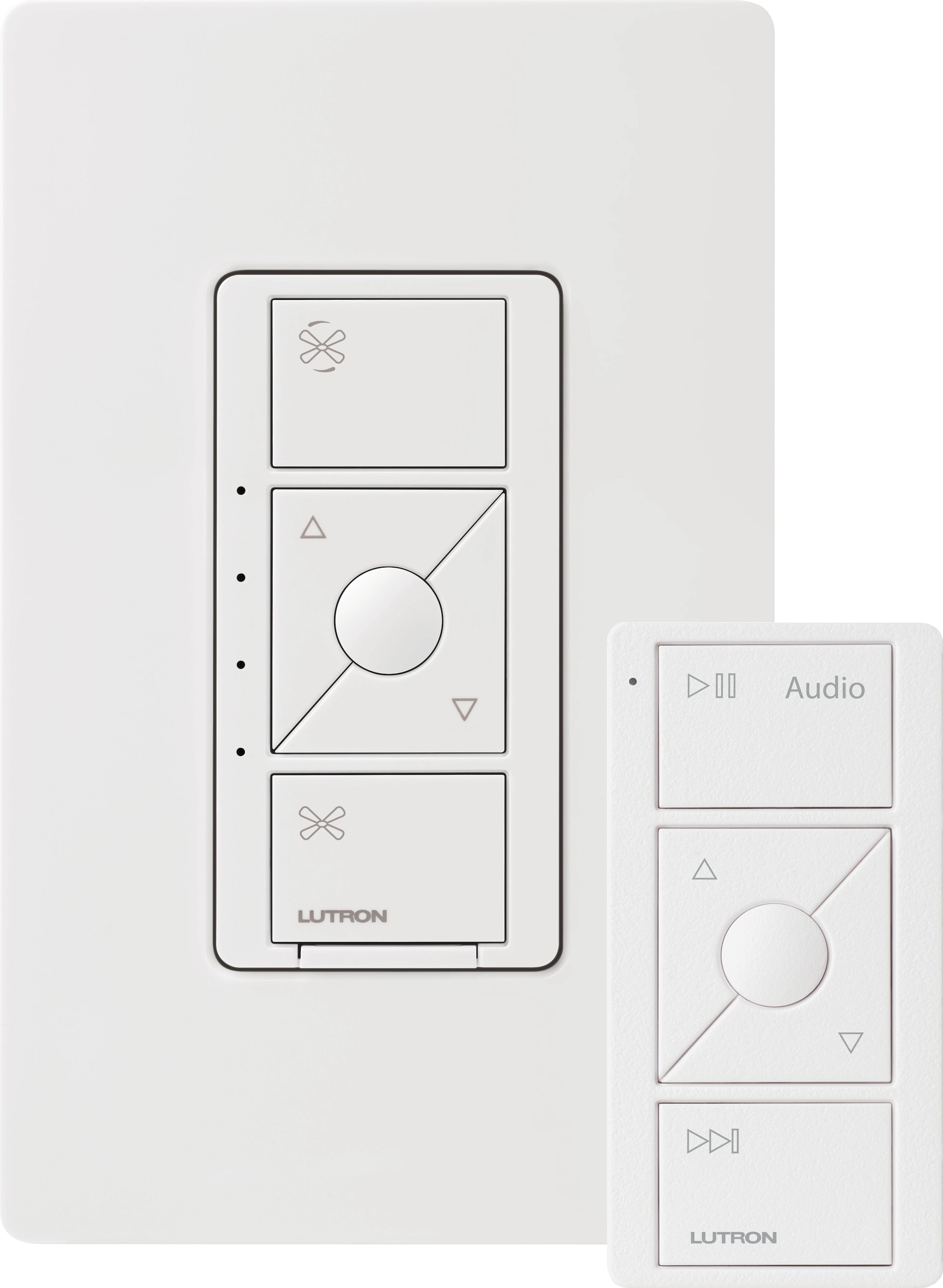
Caséta Wireless in-wall dimmer ELV+ shown in White
Pico wireless control shown in White (actual size)
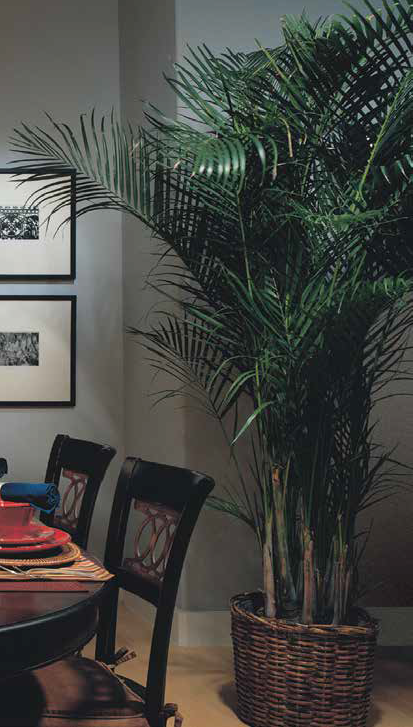
Create pleasance with a
simple dimmer.
With a switch you can only turn lights on and off, so you’re limited to bright light or no light at all.
If you replace a switch with a dimmer, such as a Caséta Wireless dimmer, you can adjust a room’s light level to create a totally new atmosphere.
Add a little romance
With a Lutron dimmer, you can lower lights in your dining room for a romantic dinner, or brighten them for family meals.

Sophisticated daylight control
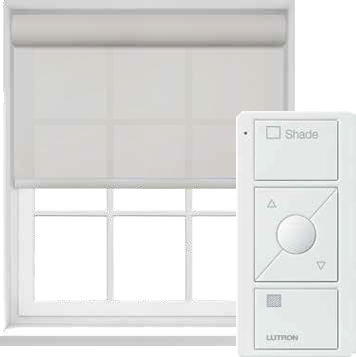
Battery-powered shades, Pico wireless control
in White
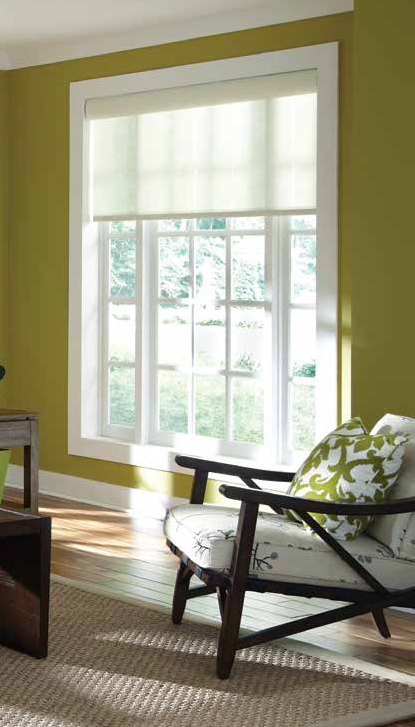
Other styles available
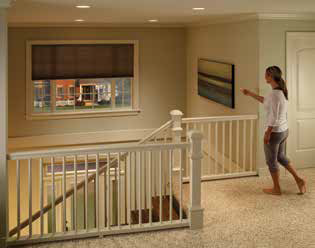
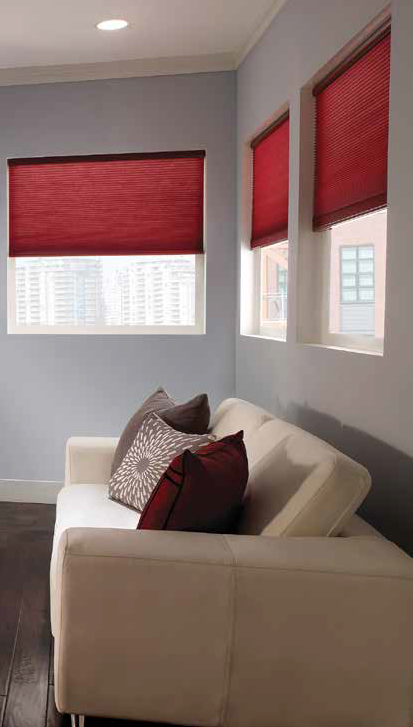
As you can see in the photo above, our shades align perfectly. We offer horizontal sheer blinds, wood blinds, Roman and drapery track systems, Kirbé vertical drapery systems, roller shades, honeycomb shades, and tensioned shades.
Create pleasance by controlling your window treatments at the touch of a button.
You probably think of shades as a design element. Add automation to them, though, and they become much more functional.
With the press of a button, you can lower shades so they block glare, creating a more comfortable room.
And if you install automated shades in hard-to-reach windows, such as a foyer, you can easily adjust them from anywhere.
Coordinated
control

Pico wireless light and shade controls shown in White
 Control from anywhere
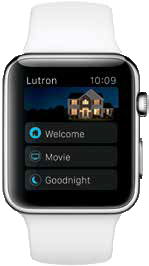
Adjusting lights and shades from a smartphone —or even your wrist— has never been easier, more reliable, or more affordable. And with the new geofencing feature, you won’t have to lift a finger. Lights will automatically turn on/off once you’re within a set distance of your home.
Apple Watch featuring the Lutron App
Combine light and shade control to take pleasance to the next level.
Having coordinated control provides greater flexibility in a room than having individual control, letting you fine-tune the mood you want to create.
With Pico wireless controls, you can control multiple lights (including table and floor lamps) with one button press and multiple shades with another button press.
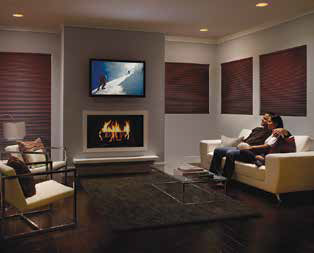
When you’re in your home theater, you can dim the lights and lower the shades to watch the big game—all from the comfort of your couch.
Control from anywhere

seeTouch keypad in Mocha Stone
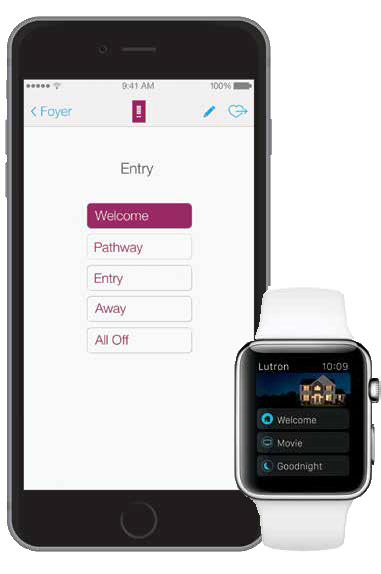
Smartphone and Apple Watch featuring the Lutron Connect app
Pleasance is also having control no matter where you are, home or away.
RadioRA 2 and HomeWorks QS systems provide control of lights, shades, ceiling fans, and temperature from wall or tabletop keypads, your mobile device, or from your Apple Watch.
The main benefit of a keypad is that you can create customized “scenes”— predetermined settings for lights, shades, and temperature1—that align with the way you use a particular space.
With system control from your mobile device (via the Lutron Connect app) you can adjust lights, shades, and temperature from anywhere in the world. You can also easily edit scenes, as well as create timeclock events, directly in the app.
Added integration

seeTouch tabletop keypad in Midnight
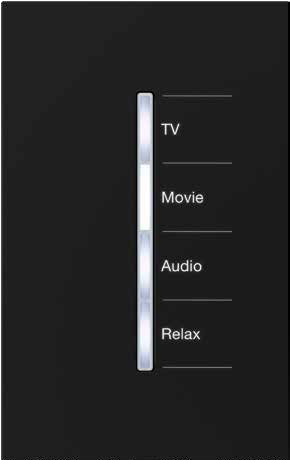
GRAFIK T RF C·L hybrid keypad in Black
Expand the benefits of pleasance with user-friendly, tech-smart integration.
Integrating a RadioRA 2 or HomeWorks QS system with your home’s technology provides user-friendly, advanced control.
For example, integration with your A / V system means one button press will soften lights, lower shades and the projector, and start the movie.
You can also easily check the status of your lights, shades, and temperature when you’re away from your home with your smart device.
The right
temperature
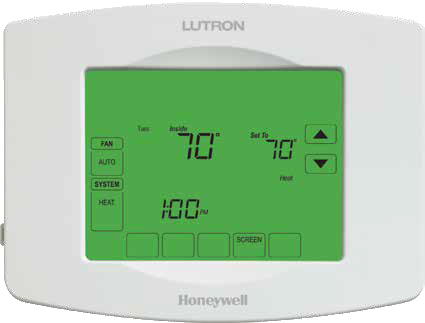
TouchPRO Wireless thermostat
Add temperature control for increased comfort and enhanced pleasance.
We offer two types of temperature control that work with both RadioRA 2 and HomeWorks QS systems.
Classic design
Our all-in-one solution looks like a conventional thermostat and is a simple, cost-effective way to add Lutron control to your temperature system.
Unique design
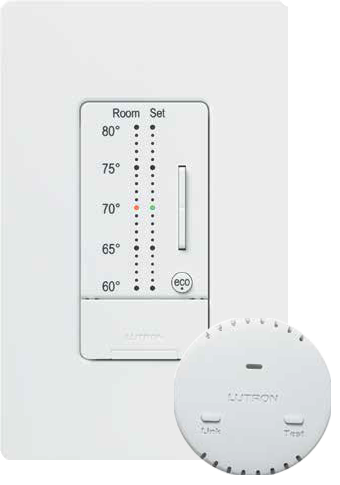
Our 3-part thermostat provides precise temperature control from room to room. This solution has a wall control with a clean aesthetic and a hidden HVAC controller.
seeTemp wall control
You can mount the wall control in places that wouldn’t normally be appropriate for a thermostat, such as a sunny space.
You can also install up to 10 controls throughout your house for convenient control from any room, such as your bedroom.
Wireless temperature sensor
You can install up to four wireless temperature sensors in rooms where you want to measure the temperature.
The sensors average the temperature and communicate to the HVAC system to adjust heating or cooling.
Third-party HVAC integration
Available for select brands, such as the Nest Learning thermostat and select Honeywell Wi-Fi thermostats.
Tying in other connected home products

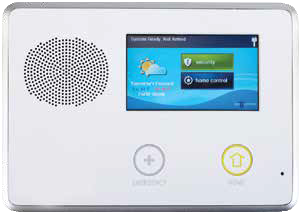
Security system keypad
Pleasance gives you the ability to connect with your home on a whole new level.
Increase the functionality of your system by incorporating other leading brands for added convenience, comfort, and peace of mind.
Voice Control
RadioRA 2 and HomeWorks QS systems work with Amazon Alexa, so you don’t have to lift a finger to adjust your system. Just tell Alexa to do it for you.
Audio Control
Create just the right mood by adjusting sound, along with the lights, shades, and temperature. Lutron works with any Sonos Home Sound System, so you can play, pause, forward, or skip tracks directly from Pico remotes, Lutron keypads, or the mobile app.
You can even incorporate sound into your favorite scenes to tie lights, shades, temperature, and sound together with one button press.
Security
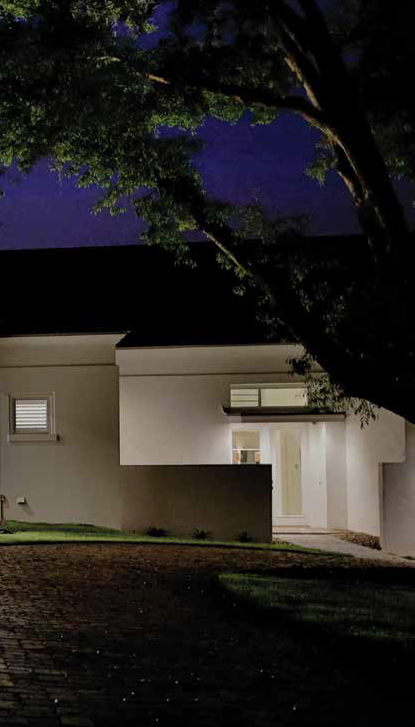
You can also integrate your Lutron system with a security system from a leading company, such as Alarm.com, ELK, or Honeywell. Doing so gives you the added enhancements of lighting and shade control. If an alarm is triggered, interior lights will turn on, exterior lights will flash, and your shades will raise.
(Your Lutron system also gives you the ability to turn entryway and outdoor lights on from the security of your car—so you never have to come home to a dark home again.)
Customization

Palladiom keypad in Satin Brass
Palladiom keypad
Large flush buttons with custom engraving are easy to see and use.
Buttons and wallplate are in the same material for a clean look.
Dynamic Backlighting Management: Adjust backlighting intensity based on scene or time of day. For example, at night, schedule the backlighting on a bedroom keypad to dim, but brighten on your bathroom keypad (to create a nightlight).
Customization provides the ultimate in pleasance.
For advanced integration and customization, HomeWorks QS has added features.
“Thinking” buttons
HomeWorks QS keypad buttons can think for you, creating different light scenes from the same button, depending on the time of day.
For example, pressing the “Pathway” button between 10 p.m. and 5 a.m. creates a path of light to your bathroom. Pressing it after 5 a.m. creates a path of light to your kitchen.
Radio Window sensors
These sensors adjust lights and shades based on natural light levels. The sensor compensates for shadows, clouds, or bright conditions, so you’ll always have the right amount of light in a room.

Custom interfaces
You can combine HomeWorks QS keypads with other manufacturers’ controls to maintain a consistent look throughout your home.


AUTOMATION • COMFORT • ENTERTAINMENT

Mailing Address:
1581H Hillside Avenue Unit 411
Victoria, BC V8T 2C1

support@digiconcepts.ca

(604) 637-0533
(888) 817-2952