
Smart home troubleshooting becomes more useful when you separate what has stopped working from what still works. If a lighting app will not connect but the usual wall keypad still operates the lights, that does not establish that the whole system needs replacing. It gives a technician a narrower question to investigate: which part of the control path is failing?
Start with ordinary, non-critical controls you already use. Observe their response, record the exact app message, and leave system settings unchanged. A consultation can then focus on whether the problem involves app access, communications, programming, equipment, or a combination of them.
What a working wall control can tell you
A successful button press is evidence about that action at that moment. It does not prove that every component is healthy. Depending on the installation, a wall control might act directly on a light or communicate through other equipment. Knowing the model and how it was configured matters.
For example, a bedroom light responding to its usual wall control tells you that this particular operation is available. It does not tell you whether a whole-home scene will run, another room will respond, or remote access will work. Avoid turning one successful test into a diagnosis of the entire installation.
Write down the actual action and outcome. “The kitchen keypad turned the kitchen lights on at 7:15 p.m.; the app displayed a connection error” is more informative than “the smart home is broken.” Record what happens during normal use rather than repeatedly testing equipment.
The app and the wall control may use different paths
A control path is the route a command takes to reach the equipment. Depending on the system, an app command may involve the phone, a home network, a controller and an online service. A wall control can have different dependencies. The installation determines which functions can operate locally and which need a connection elsewhere.
This is why an app problem and a lighting problem are not automatically the same fault. It is also why working internet browsing on a phone does not establish that the phone can communicate with a particular controller. A professional needs to check the relevant path, rather than assume all communications are equivalent.
A verified Lutron example
Lutron’s Network Outage Situations guidance for HomeWorks QSX and RadioRA 3 distinguishes internet loss from loss of the local network. With the local network functioning, local processor communication can continue during an internet outage; internet-dependent integrations and remote app access are affected. Loss of the local network can interrupt communication between processors. Equipment powered from a network switch can also lose power if that switch is switched off.
These are model-specific examples, not promises about every Lutron installation or another manufacturer. The practical lesson is to record the affected function and identify the system before deciding what an outage means. See Lutron’s Network Outage Situations guidance.
Compare normal controls without changing the installation
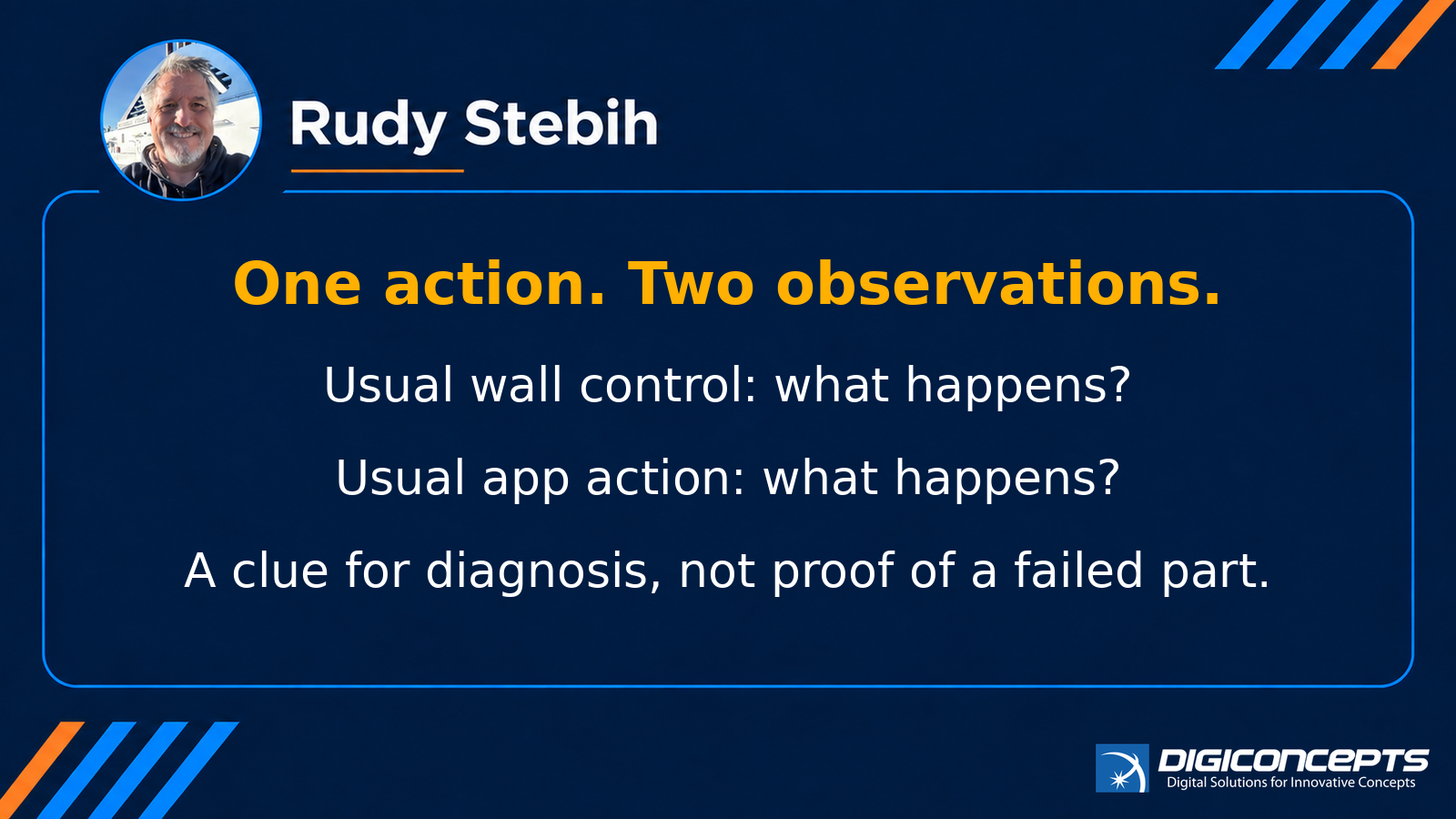
During ordinary use, note whether the problem affects one light, one room, one scene, or all the functions you normally access through the app. Compare the usual wall control with the usual app action for the same non-critical light, if both are available. Stop if the action is unfamiliar or affects security, access, safety or other critical functions.
If a scene partially runs, describe which lights respond and which do not. If the app is unavailable but wall controls work, record that separately. If the app opens but a particular command does nothing, keep the command name and any message. These patterns are observations for diagnosis; none identifies a failed part by itself.
Do not factory-reset controllers, remove devices from the app, change router settings, install firmware, or disconnect a network rack as a general troubleshooting step. Those actions can change the evidence or affect other connected systems. Ask for system-specific guidance before making changes.
A hypothetical evening at home
Imagine that a homeowner opens the lighting app after dinner and sees a connection error. The kitchen wall control still turns the lights on. An ordinary scene button also works in the living room. The homeowner notes both results and remembers that the internet provider replaced some equipment earlier that day.
That timing is useful information, but it does not prove the replacement caused the fault. A consultation would establish the system generation, which controls still work, and what changed before anyone recommends reconfiguration or replacement. This is an illustrative scenario, not a Digiconcepts client case.
What to prepare for a consultation
Use a short note on your phone or paper. Keep private account details and photographs out of public posts. You do not need to know the technical cause to ask for help.
- Name the affected action. For example, opening the app, operating one light, or running an evening scene.
- Describe what still works. Include the usual wall control and other normal functions you observed.
- Record when it started and whether it is constant or intermittent. Include any exact error wording.
- List recent changes without assigning blame. Examples include provider equipment replacement, a phone change or a power interruption.
- Identify the manufacturer and model if already known. Photograph an accessible label only if it can be reached safely; do not open electrical panels or expose credentials.
Keep passwords, alarm codes, full network details and sensitive security layouts out of the enquiry. If the installation was inherited with the home, say whether the original installer’s documentation is available. Access and documentation can affect the scope of an assessment.
When to consider repair or an upgrade
Request an assessment when the problem recurs, several everyday functions are affected, or you cannot establish what equipment is installed. The first decision is what needs diagnosis. A repair, programming adjustment or communications change may be suitable, but that cannot be promised from symptoms alone.
An upgrade discussion becomes more useful once the existing system, required functions and constraints are understood. Ask what the proposed work will address, what will remain in service, which components need compatibility checks, and how normal operation will be verified afterward. Equipment age alone does not explain this particular app failure.
If the issue concerns Lutron lighting, Digiconcepts’ HomeWorks page introduces the system. A consultation can establish which generation is actually installed and whether a proposed change suits it. For recurring problems, you can also ask whether ongoing support is suitable after the installation has been assessed.
Request a consultation with Digiconcepts
Tell Digiconcepts what the app cannot do and what still works at the wall. Include your town and the system name if known. Book a consultation about your existing installation at https://www.digiconcepts.ca/bookings. Use the same page to request diagnostics or discuss ongoing support.
For homeowners in Victoria and the established Digiconcepts service areas, visit arrangements depend on location and scope. Travel time and expenses may apply and should be discussed before a visit. If on-site diagnostics are appropriate, up to two hours of diagnosis are free; travel time and expenses are extra. Work becomes billable after two hours or as soon as an on-site modification is made. Confirm the scope and charges before work begins.