
If your smart-home lights change unexpectedly after a power outage, begin by noting what happened when power returned. A light that comes on, a missed scheduled action, and a keypad that does not respond are different observations. None proves, on its own, that a processor or dimmer needs replacing.
For a homeowner with an existing lighting installation, the useful first step is to write down the room, the time power returned, the light level, and what the normal wall control did afterward. Leave programming, electrical panels and equipment settings alone. The installed system and its configuration determine the next diagnostic step.
Why power returning does not always restore the same scene
A lighting system can contain several parts that regain power and reconnect at different times. A load is the light or group of lights controlled by a device. A scene is a programmed combination of levels. A timeclock action is a scheduled instruction. Their behaviour after an interruption is not necessarily identical.
For example, Lutron’s published guidance for RadioRA 3 and HomeWorks QSX says timeclock events missed while a system is offline do not run automatically by default. It also describes HomeWorks load behaviour that depends on equipment type and programming. A DIN rail module may return a zone to its last level, while a remote power module may use its emergency setting if it starts before the processor is ready. These are model and configuration examples, not a promise about every Lutron system or any other brand. Read Lutron’s power outage guidance.
This is why “the lights came back on” and “the evening schedule resumed” are separate questions. A missed timeclock event may simply stay missed under the documented default. A particular light’s restoration level can depend on its module and programmed setting. Only an assessment of the actual installation can explain a specific home’s result.
What to observe safely after power returns
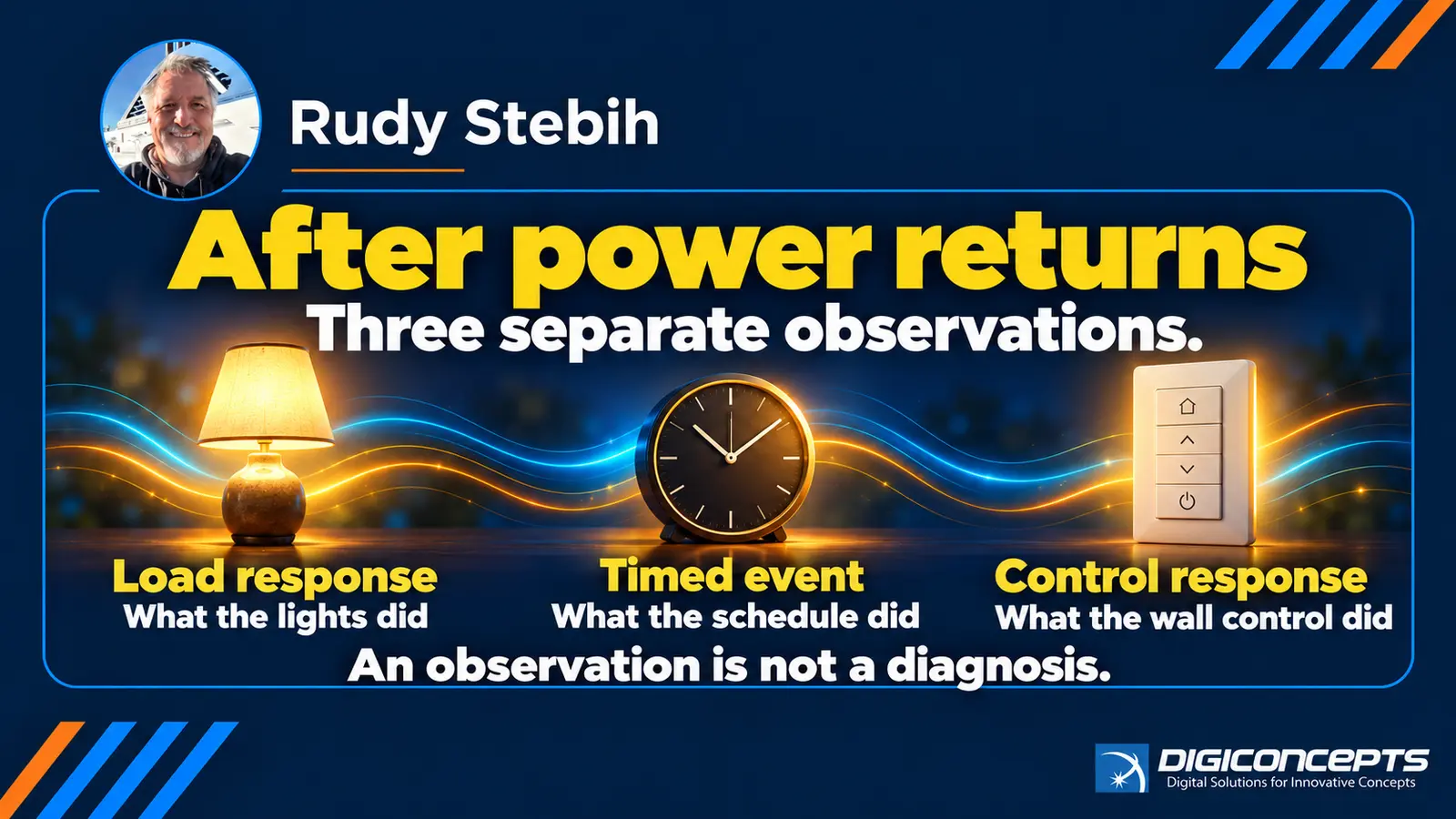
Wait until utility power is stable and the installation has had time to resume normal operation. Then, during ordinary use, record the following without opening equipment or changing settings:
- Where and when: the room, approximate outage and restoration times, and whether the issue happened once or repeats.
- The load response: which lights came on, remained off, flickered briefly or returned to an unexpected level.
- The control response: whether the usual wall button performs its normal action. Keep app observations separate, because an app may also depend on network equipment.
- The scheduled response: which expected timed action did or did not occur, and its usual time. Note whether the next scheduled occurrence behaves normally.
- Visible information: any ordinary app message or indicator you can see without changing configuration. Record the exact wording rather than guessing what it means.
If you can safely take a photograph of the affected room or a screenshot of an ordinary error message, it may help describe the symptom. Avoid sharing access codes, network credentials, alarm information, private camera views or detailed security layouts. Do not repeatedly cycle breakers, reset processors or alter programming as a diagnostic experiment.
An example of a useful description
Hypothetical example: Power returns at about 7:10 p.m. The hallway lights come on brightly, the kitchen lights stay at their previous level, and an 8:00 p.m. scheduled scene does not appear to run. The next morning, the hallway keypad responds normally. These facts do not identify a failed part. They tell a technician which load, schedule and control responses to verify against the installed system.
Compare that description with “everything went strange after the outage.” The specific account preserves the order of events and separates a brief restoration behaviour from a continuing fault. It also helps avoid buying replacement hardware before anyone establishes whether the behaviour matches the programmed design.
When the observation needs professional attention
Arrange an assessment if a light stays at an unexpected level, a usual control stops responding, scheduled behaviour continues to differ on later days, or the same pattern follows repeated interruptions. Mention any safety concern such as heat, a burning smell or a damaged device to an appropriate emergency or electrical professional; do not handle or open it.
An installer can identify the system generation, relevant modules, processor and project programming, then compare their actual restoration settings with the household’s expected behaviour. The result may call for a programming change, component investigation, network review or a broader repair discussion. It cannot be determined from a photograph of one light alone.
If your issue is specifically that the app fails while the wall control still works, see our separate app and wall-control troubleshooting guide. That guide addresses a different symptom. For more about the installed lighting platform, see the HomeWorks overview; verify the precise model before applying any feature claim to your home.
Bring the observations to a consultation
Tell Digiconcepts what changed after power returned, which room and normal control are involved, and the installed system name if you know it. You do not need to investigate wiring or find hidden equipment first. Book a consultation about your existing lighting system. The assessment can establish whether the observed behaviour is expected for that installation and what, if anything, should change.